Keep tag visibility manageable.
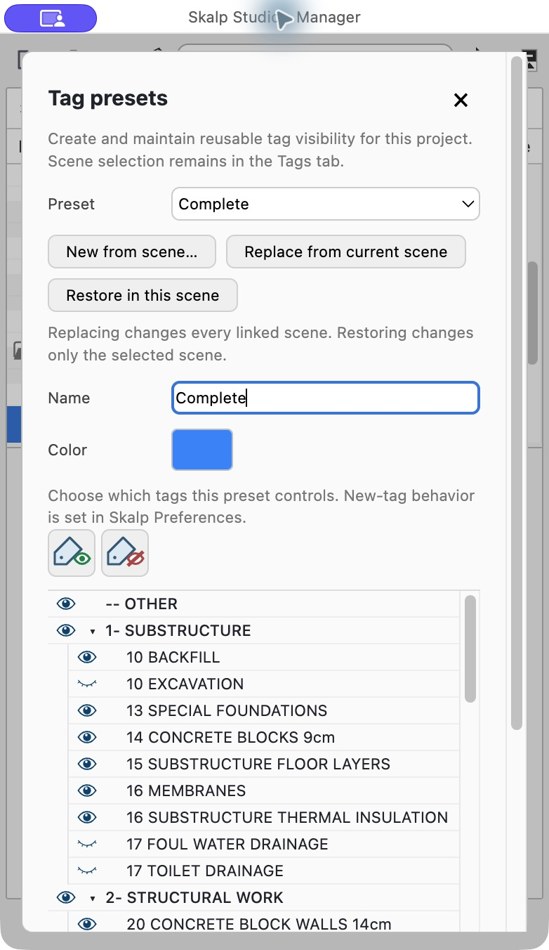
Reuse tag visibility presets across plans and scenes. Adjust the shared visibility setup without rebuilding it view by view.
 Download beta
SKALP STUDIO 2027 OPEN BETA
Organize your project. Work directly in the section.
Build clear plans and take them to LayOut or CAD.
SketchUp 2027 brings hatching to section cuts.
Skalp Studio extends it to surfaces — and beyond.
30-day trial · Open to everyone
01 / ORGANIZE
Set up the views, visibility and materials your project needs. Keep that structure as the model grows.
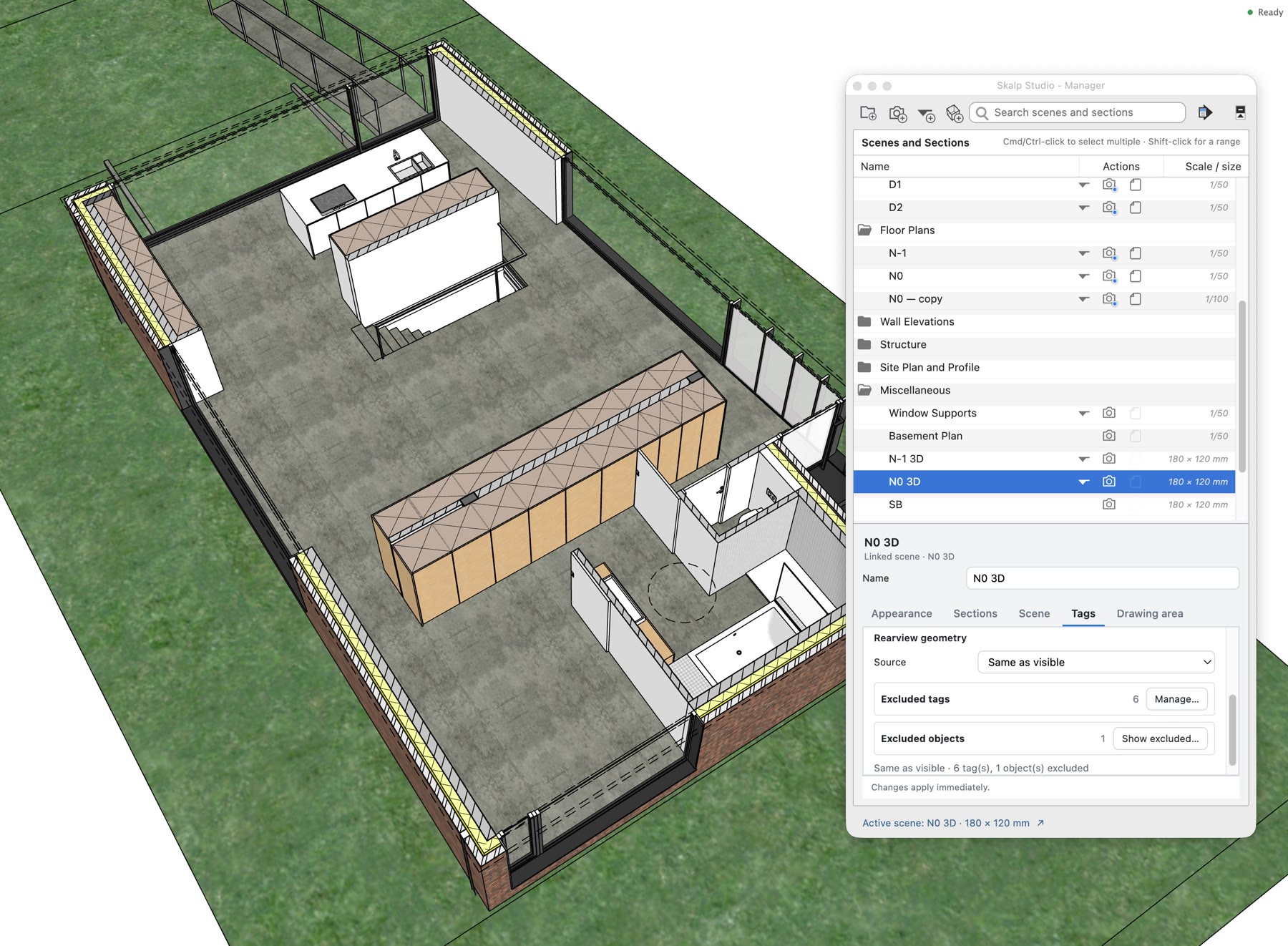
Bring scenes, sections and ClipBoxes together. Organize views in folders, find the one you need and keep its scale and drawing settings close at hand.
Keep the model views organized here, then manage LayOut sheet formats and PDF pages when you publish.
Reuse tag visibility presets across plans and scenes. Adjust the shared visibility setup without rebuilding it view by view.
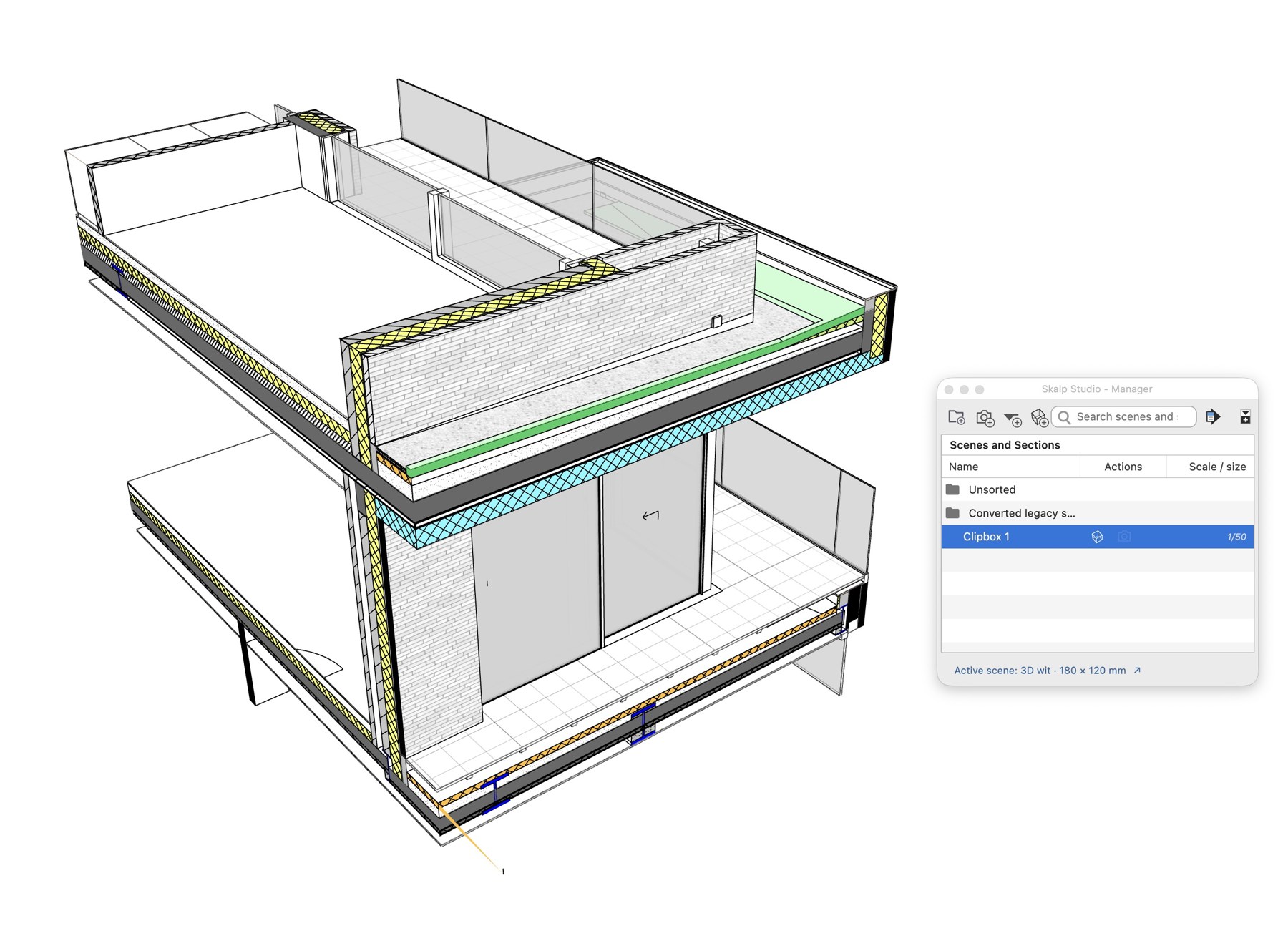
Use a ClipBox to work on one part of a complex model. Drag its faces to adjust the volume, and keep the ClipBox in the Manager.
Choose or create materials in the Material Browser, then edit their fill, hatch and pens in the Material Editor. Reuse them throughout the project.
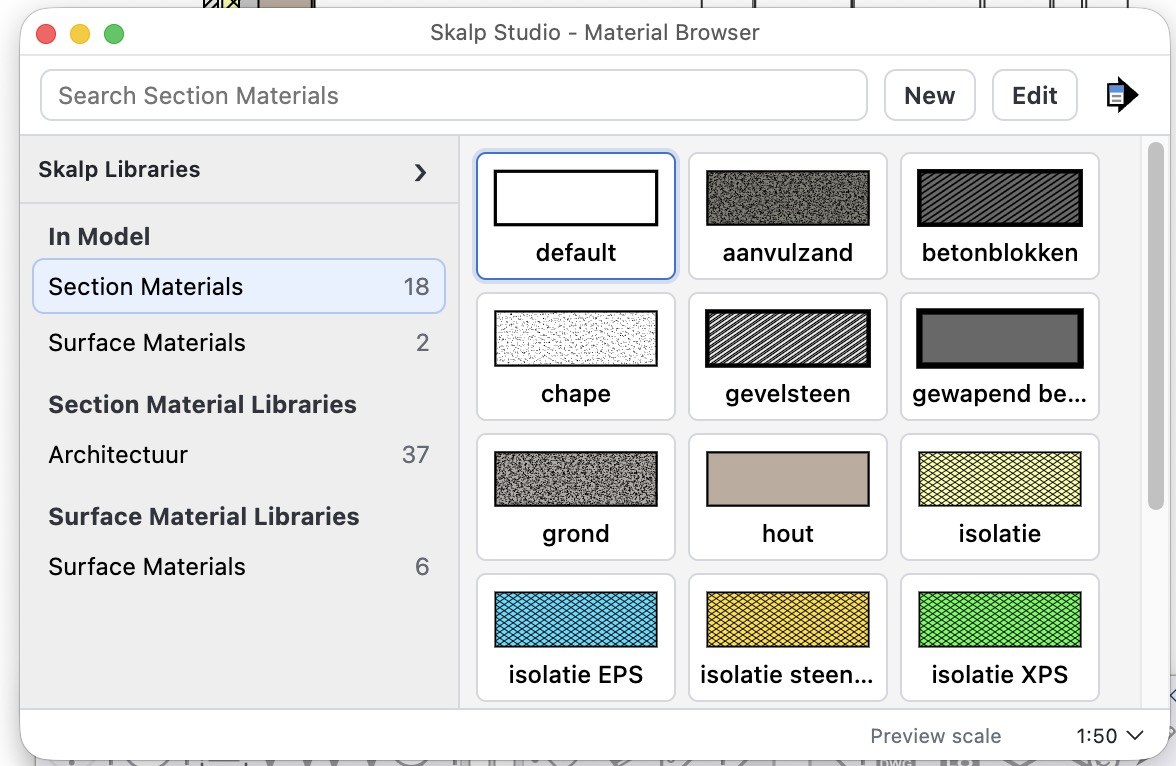
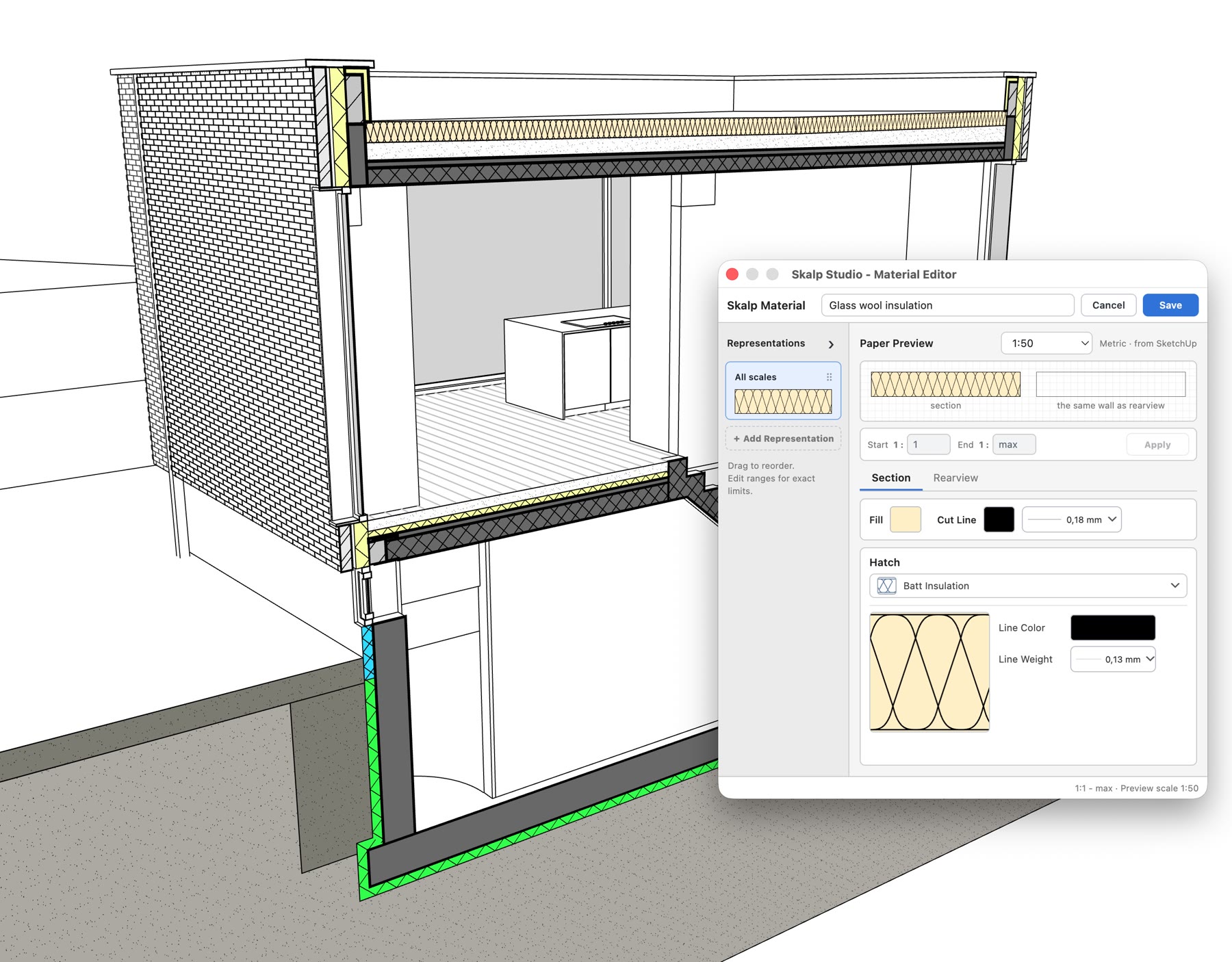
Adjust parametric insulation and timber hatches, section and surface patterns, cut lineweights, rearview pens and representations by scale.
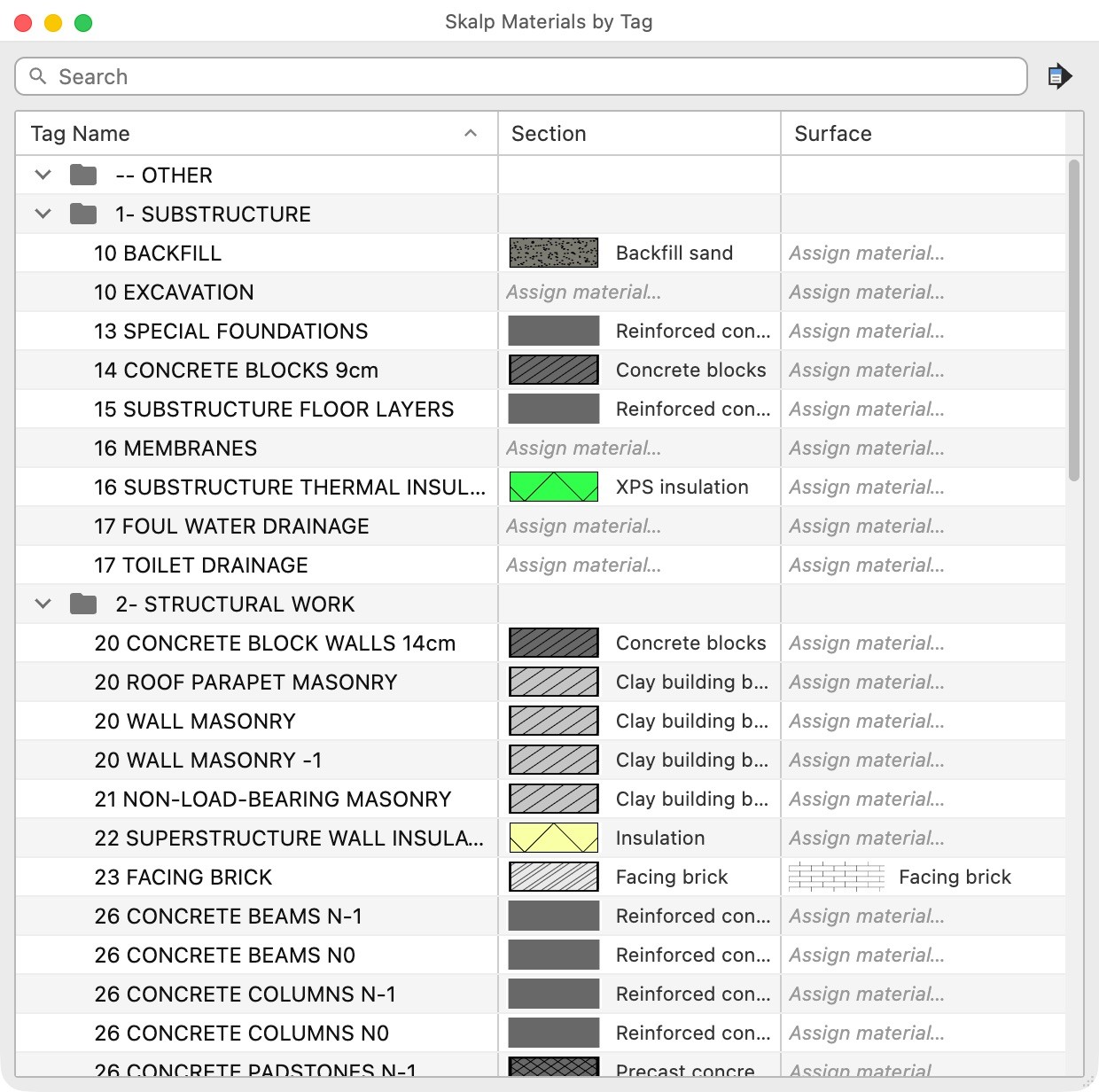
Assign Section and Surface Materials to the tags already in your model.
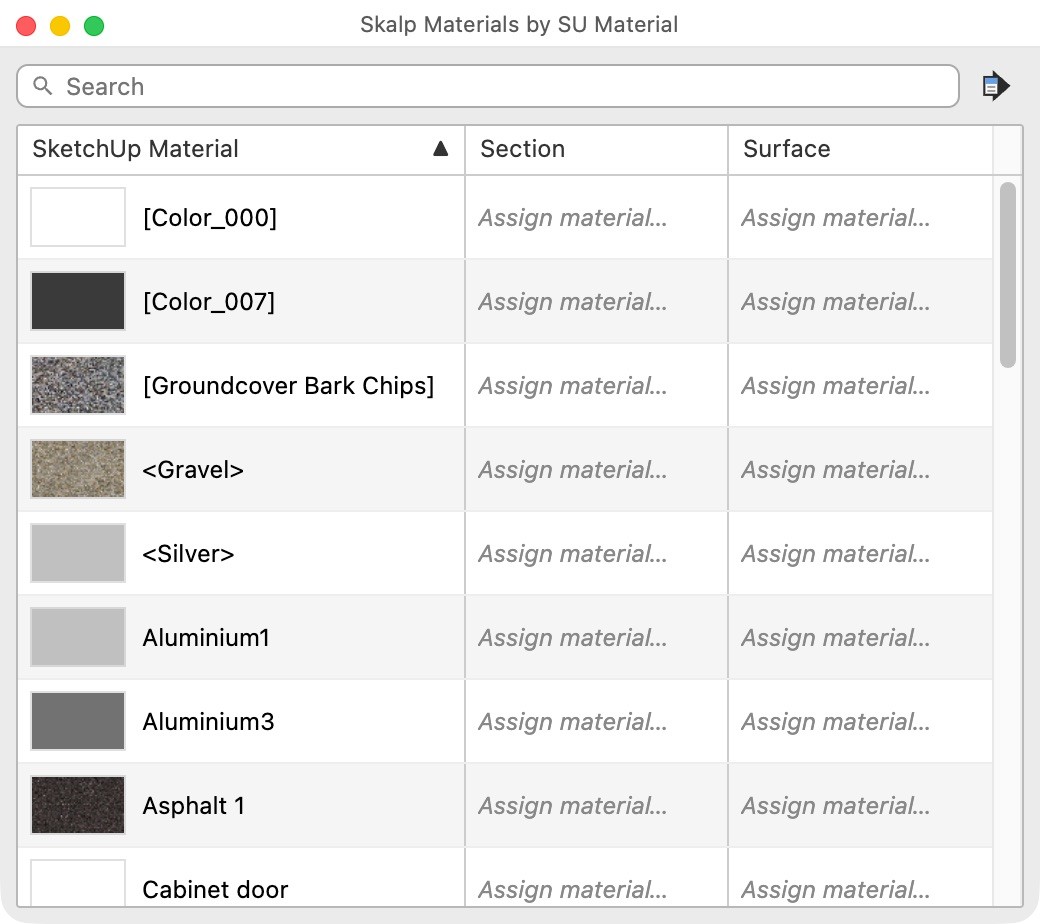
Map existing SketchUp materials to their Skalp drawing appearances.
02 / WORK
Paint what you see. Select what you cut. Shape the model and control its visibility without breaking your flow.
Click the cut object to apply a Section Material. Paint the object, its tag or its SketchUp material — right where you see the result.
Click inside a visible hatch to select the group or component that produced it. Work with the object behind the cut.
Use the Section Slider to reposition the cut and explore the model without recreating the section.
Push or pull a face through a closed group or component. Enter a distance or repeat the last one without opening each object first.
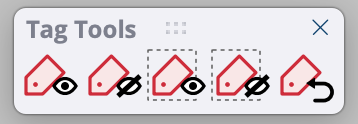
Show, hide or isolate tags through selected objects. Restore previously hidden tag batches when you need them again.
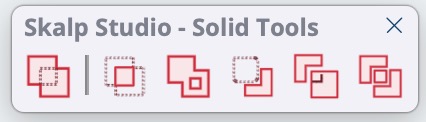
Outer Shell, Intersect, Union, Subtract, Trim and Split. Keep the result’s object material, tag and properties attached to the right solid.
FROM THE CUT TO A PLAN
Create the clipping area for your plan directly in SketchUp. Set the part you want to draw and leave room for the annotations you will add next.
Shared Power Tools, Solid Tools and Tag Tools are included and are also available as a free independent companion.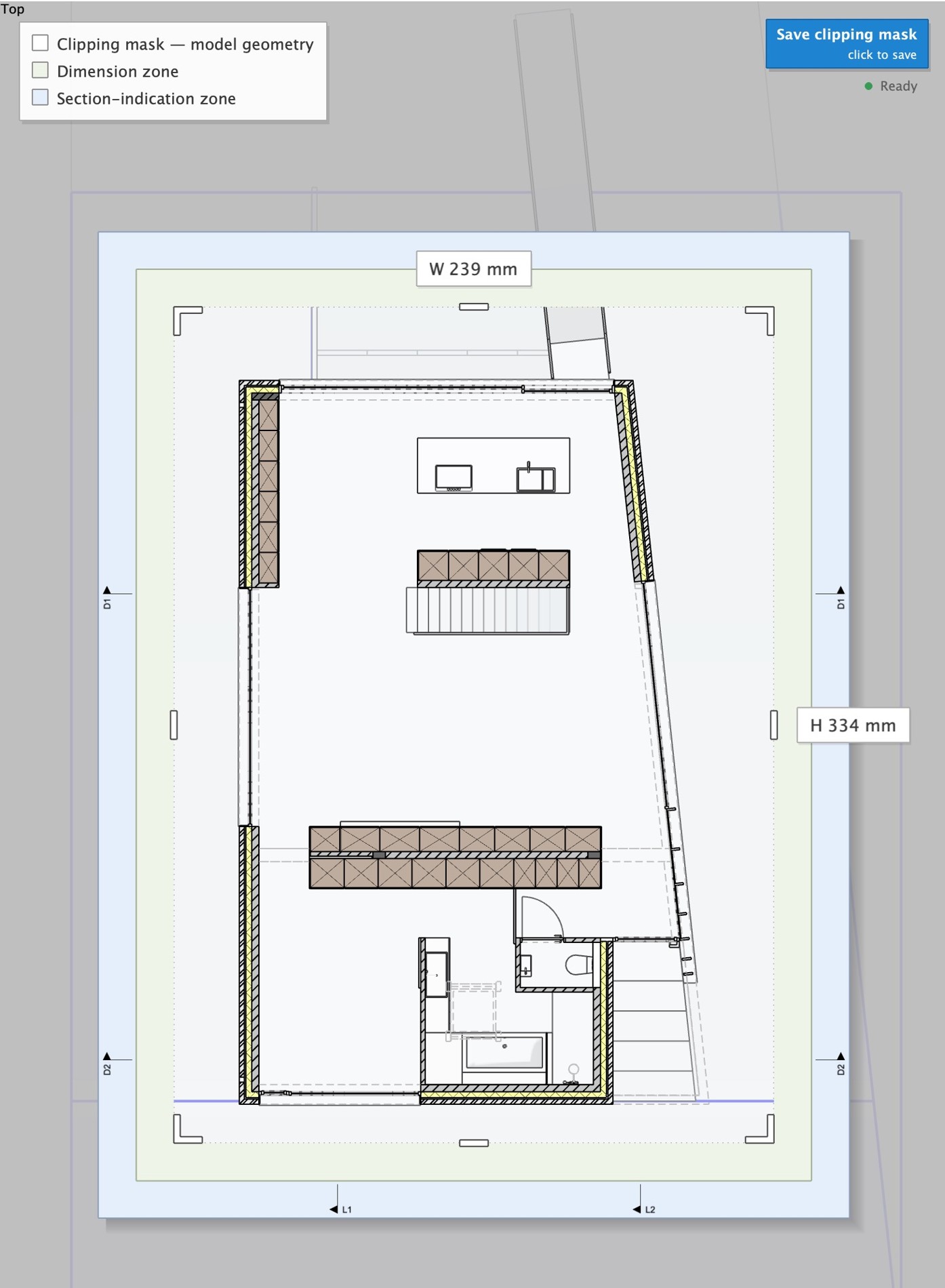
03 / DRAW
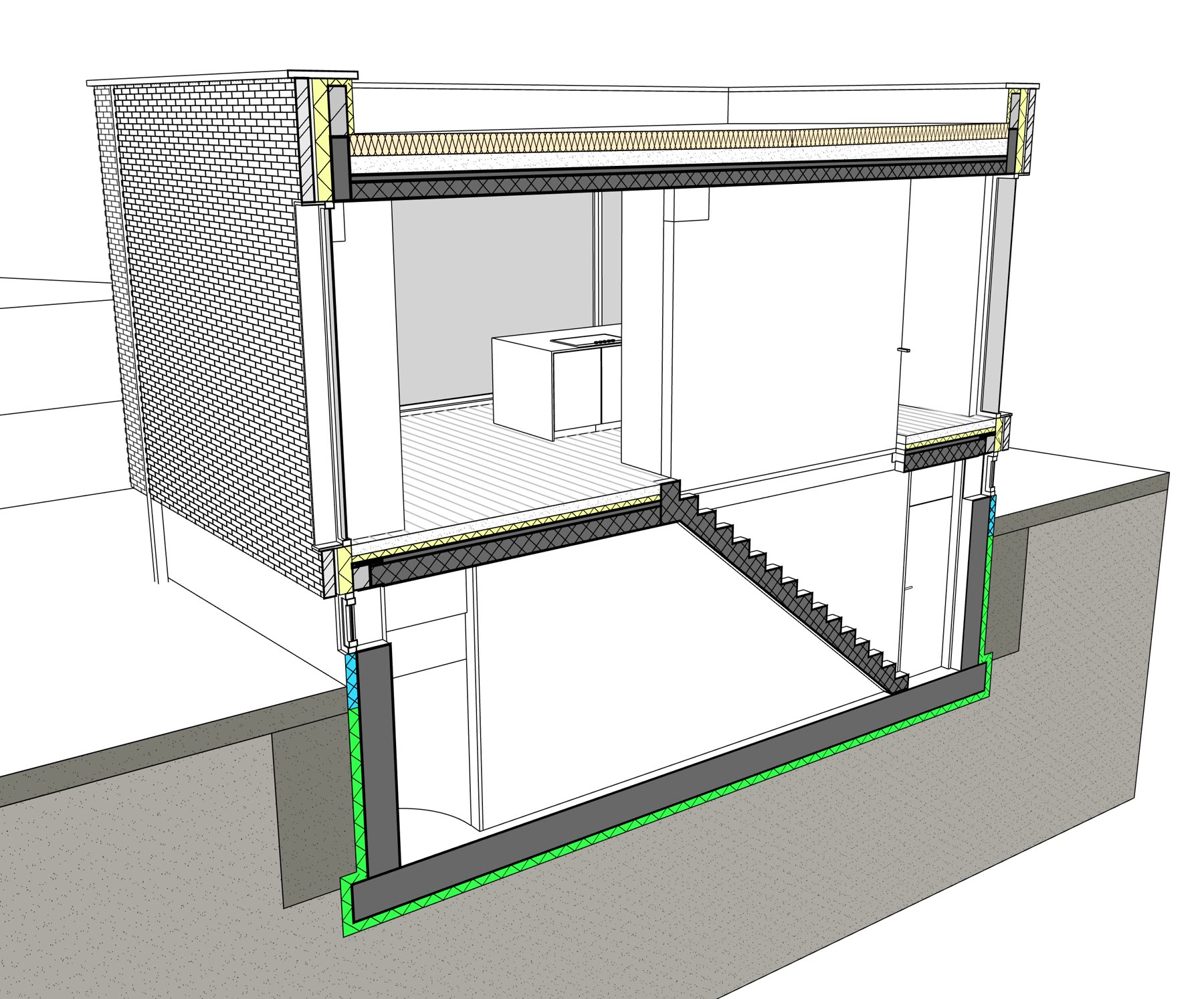
SketchUp 2027 brings hatching to section cuts. Skalp Studio extends it to surfaces and adds the graphic control and 2D drawing tools a finished plan needs.
LineweightsGive cut elements a clear graphic hierarchy.
Surface hatchesShow materials on the visible faces as well as in the cut.
Rearview linesControl the information beyond the section cut.
Drawing scalesSet the scale per view and use scale-dependent material representations.
Select a step to see what it adds to the same view.
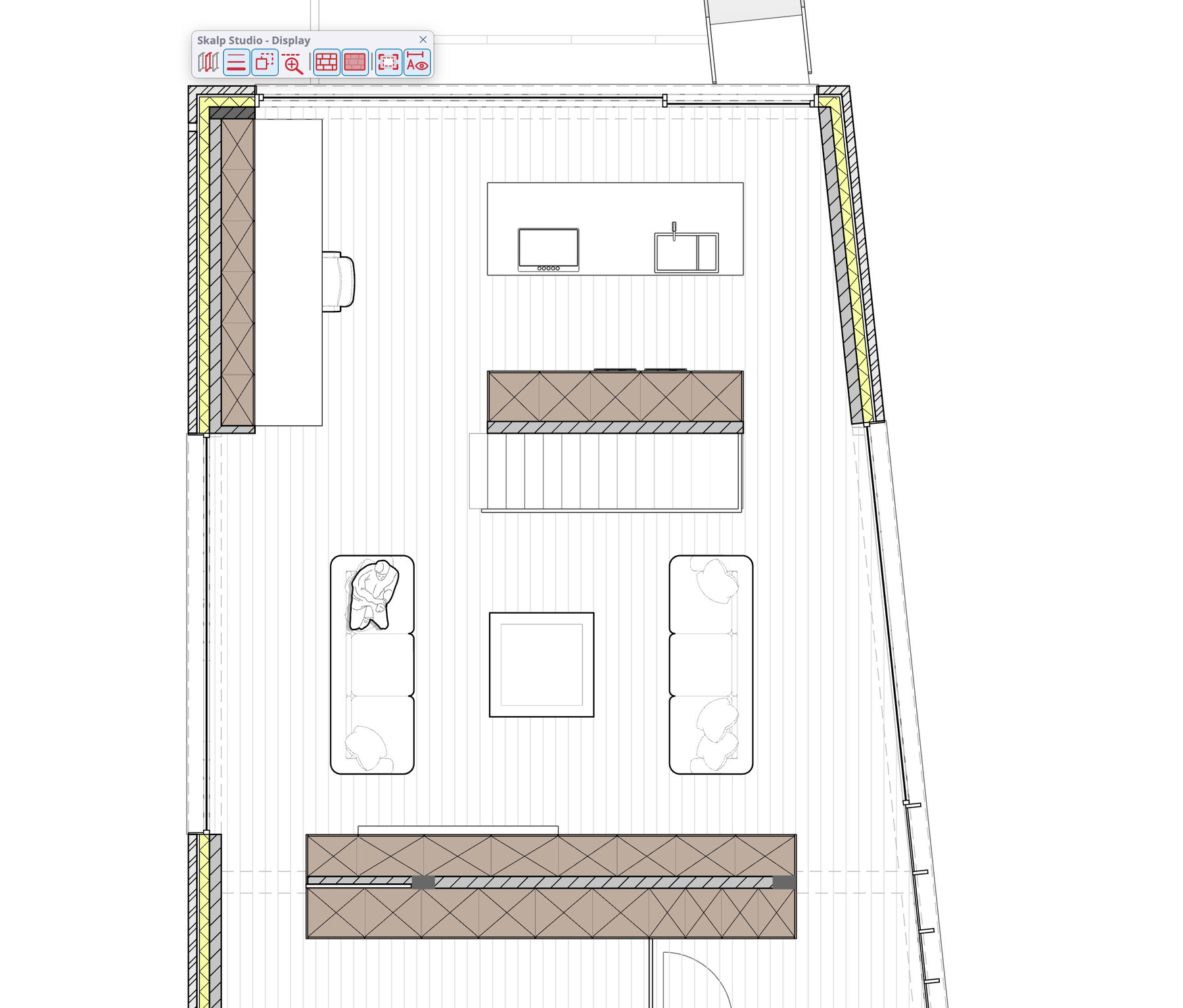
Surface patterns add the final layer of material information.
Hover either drawing to zoom both. Move to inspect the same detail.Tap a drawing to zoom both. Tap again to reset.
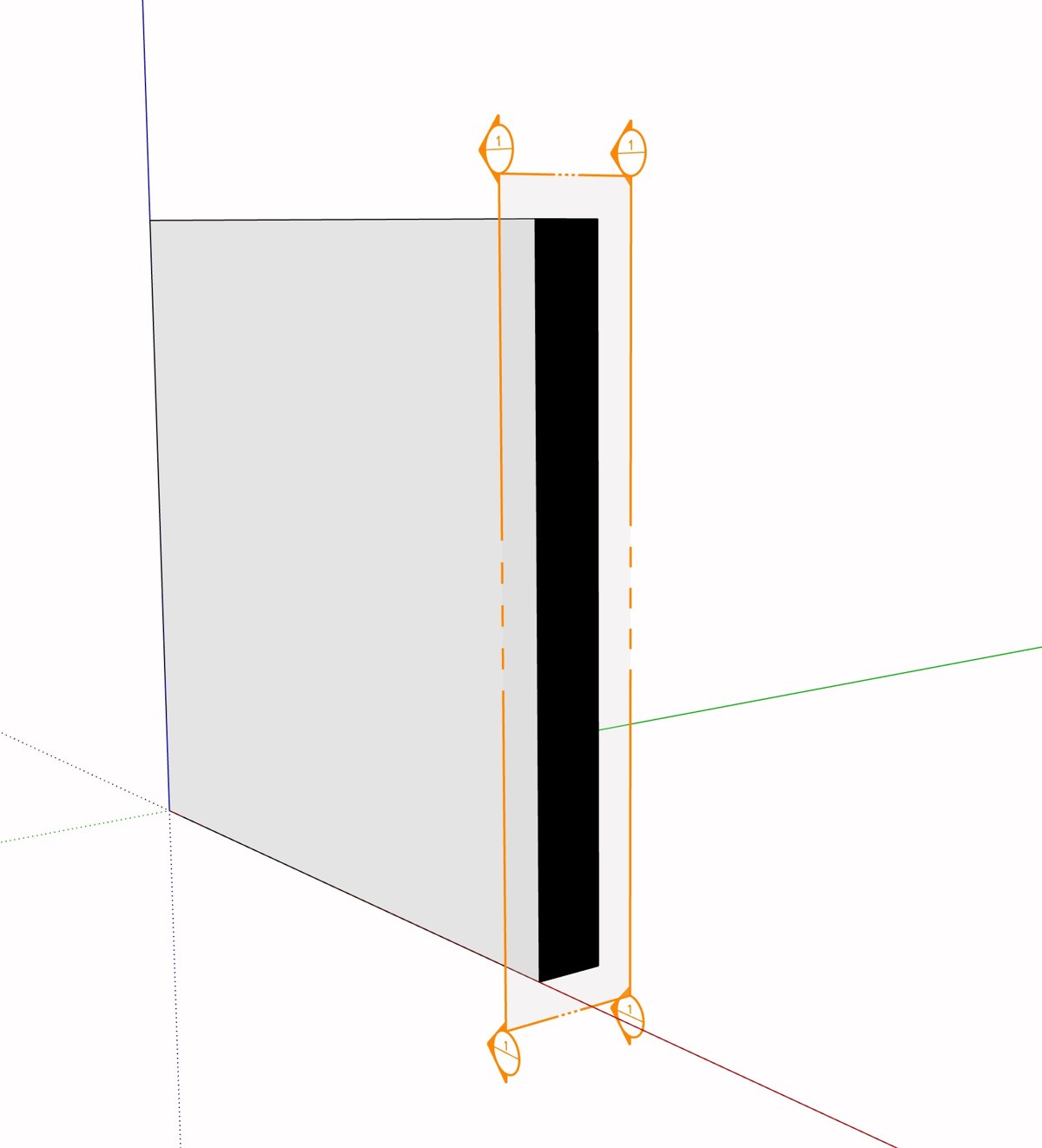
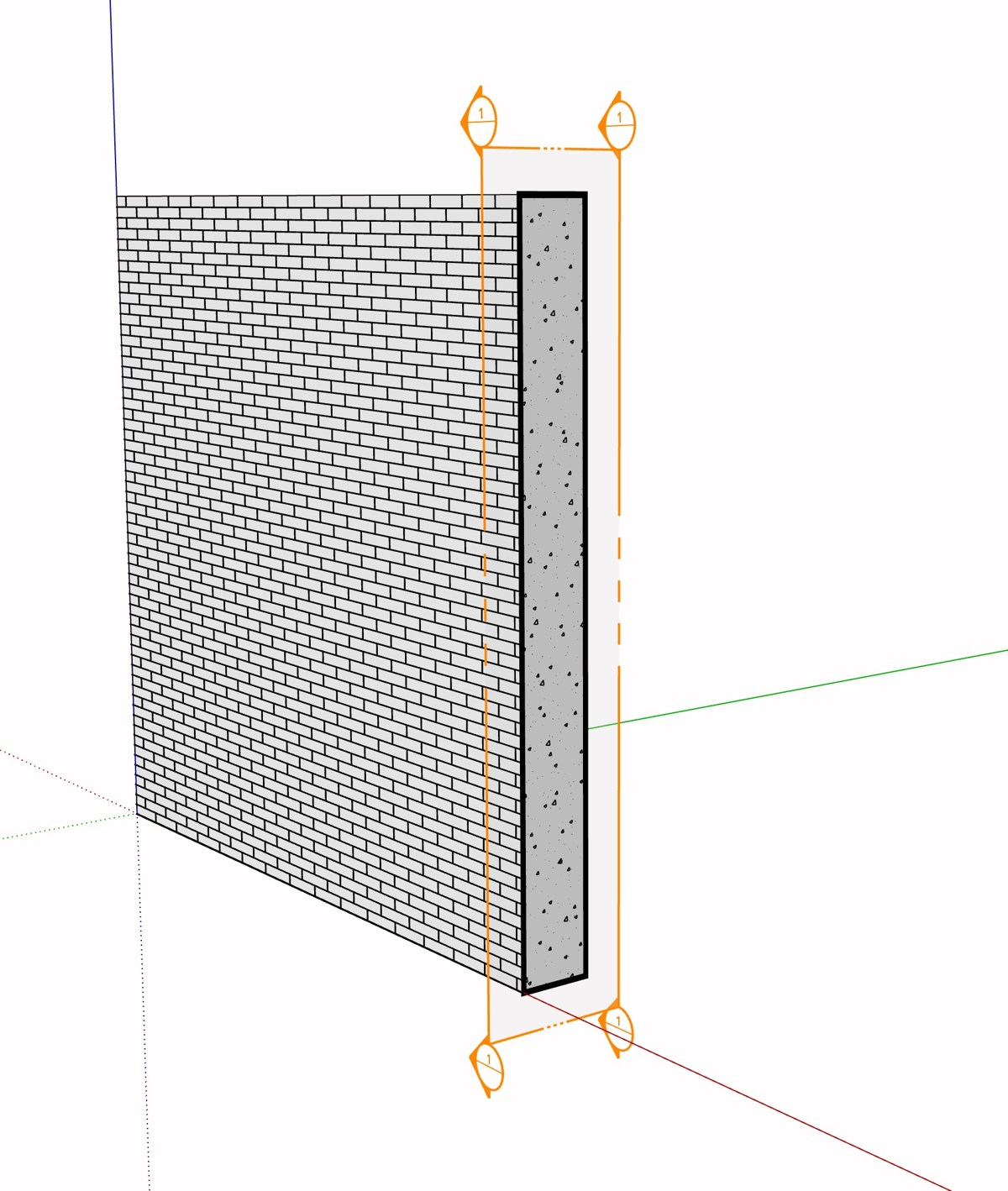
Place scrapbook items, draw details, add dimensions and use Align & Arrange. Edit supported 2D elements in either application and explicitly synchronize the changes in both directions.
One scene owns the authored 2D drawing. Use Sync Drawing with LayOut to exchange supported elements and annotations in both directions. Matching placements in the active document share the result; conflicting edits ask for a choice.
Generated model geometry flows from SketchUp to LayOut. Synchronization runs on command; save both documents afterwards.04 / EXPORT
Take the plans you have prepared to LayOut, publish individual PDF sheets or carry the drawing into a CAD workflow.
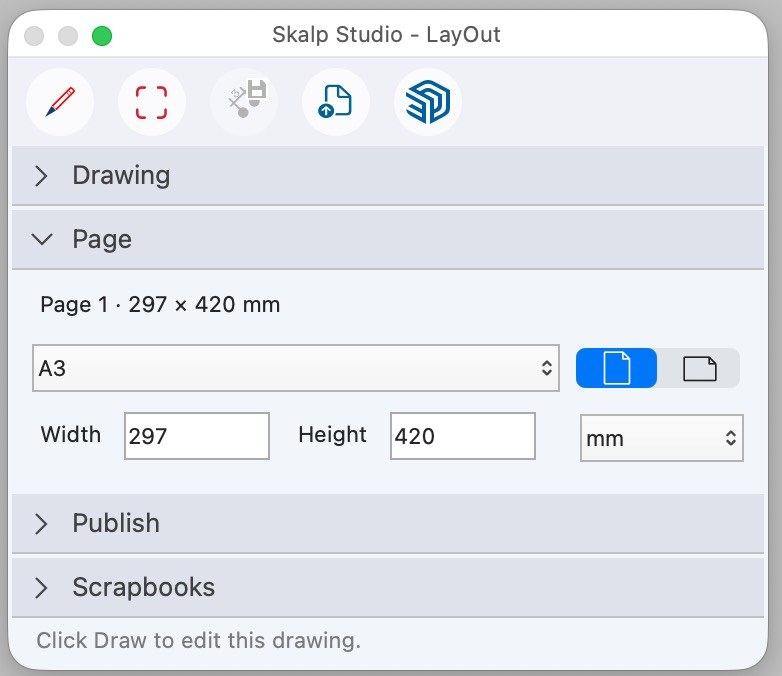
Choose the paper format and orientation for each page. Keep overview sheets and details together in one document.
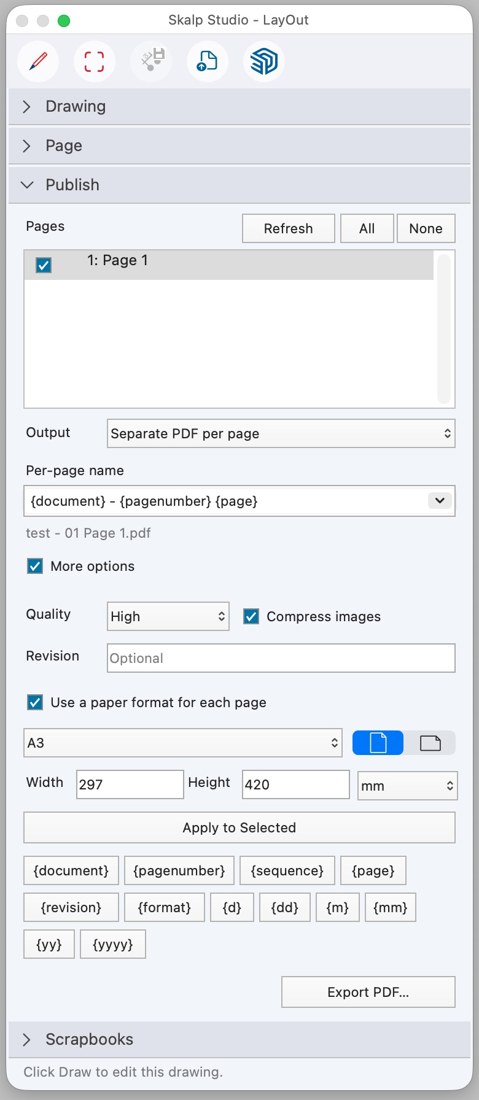
Choose the pages to publish and use filename patterns to export individual PDF plans.
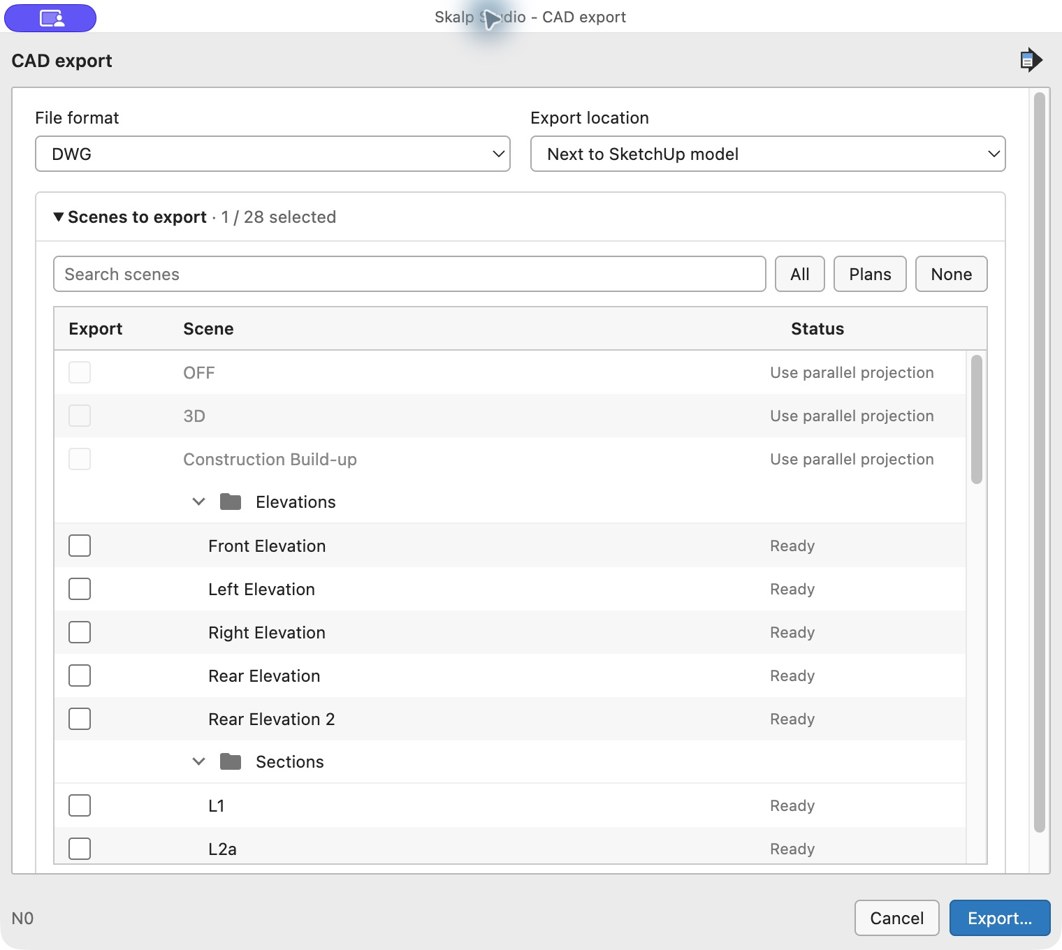
Export selected scenes with section and rearview linework, surface fills and hatches, clipping and authored 2D annotations.
The demonstrations on this page were recorded on macOS.
SKALP STUDIO 2027 · PUBLIC BETA
Choose your platform. Try Skalp Studio for 30 days.
ANNUAL SUBSCRIPTION
€99 per year
Extra seats: €49 per seat / year.
Excluding applicable taxes.Start with the 30-day beta trial. Paid subscriptions will be available later.
For SketchUp 2027 on macOS 15 (Sequoia), 26 (Tahoe) or 27 (Golden Gate). Apple silicon required.
Skalp for older SketchUp versions
Download for macOS SketchUp extension · RBZFor SketchUp 2027 on Windows 11 (64-bit).
Skalp for older SketchUp versions
Download for Windows SketchUp extension · RBZPublic beta — keep backups of your models and local material libraries. Update recovery has known issues; library preservation during rollback is not yet guaranteed. Save your work and close all SketchUp and LayOut windows before installing the complete matching RBZ. Full platform validation is ongoing. Known problems.
Need a hand getting started?Read the Skalp Studio 2027 user guide.RELEASE NOTES
29 October 2026 · Section, drawing and update improvements
Improved automatic section preview initialization, active editing-context cuts and reversed-face repair before first Skalp use.
Improved procedural section geometry, incremental material and hatch updates, and the default architectural material outlines.
Added calculation problem details that can be copied for Support when lineweights or rearview cannot be calculated.
Improved macOS calculation-worker and LayOut session authorization, companion app replacement and palette startup.
Improved manual installation restart reminders, toolbar registration and update rollback recovery.
Improved LayOut linked-view detection when the same SketchUp file is reached through another path.
Added guarded local recovery for an interrupted drawing synchronization so editing can resume.
Improved native dimension component styling, orientation and drawing-session ownership.
Preserved scrapbook group structure and text alignment during placement.
Completed the active Draw session when leaving native drawing edit mode by clicking outside it on macOS.
Clarified cutter and target guidance for Subtract and Trim.
Added access to installed release notes from Support and updated all application language catalogs.
Testing limitations: full installed-update, receiving-host and Windows desktop acceptance remain pending. Some dimension point-conversion reports remain unresolved. Complete translated user manuals are not yet available.
27 October 2026 · macOS preview and usability fixes
Restored macOS lineweights and rearview when the calculation worker could not access protected authorization.
Calculation failures now provide clear error codes and copyable details for Support.
Groups and components automatically receive the current Skalp default hatch; explicit object, material and tag assignments are preserved.
New scenes and section planes appear at the top of the Manager root.
Improved recovery when blocked file access interrupts update rollback.
27 October 2026 · First public beta
The first public beta of Skalp Studio 2027 is here, rebuilt for SketchUp 2027.
Explore the features below with a 30-day trial. Your feedback will help shape the next updates.
Explore the features included in this first public beta. See the user guide for workflows and details.